Replace people, animals and objects in photos with AI
Swap a person, an animal or an object in the photo for another one
Try Replace object6 credits per photo
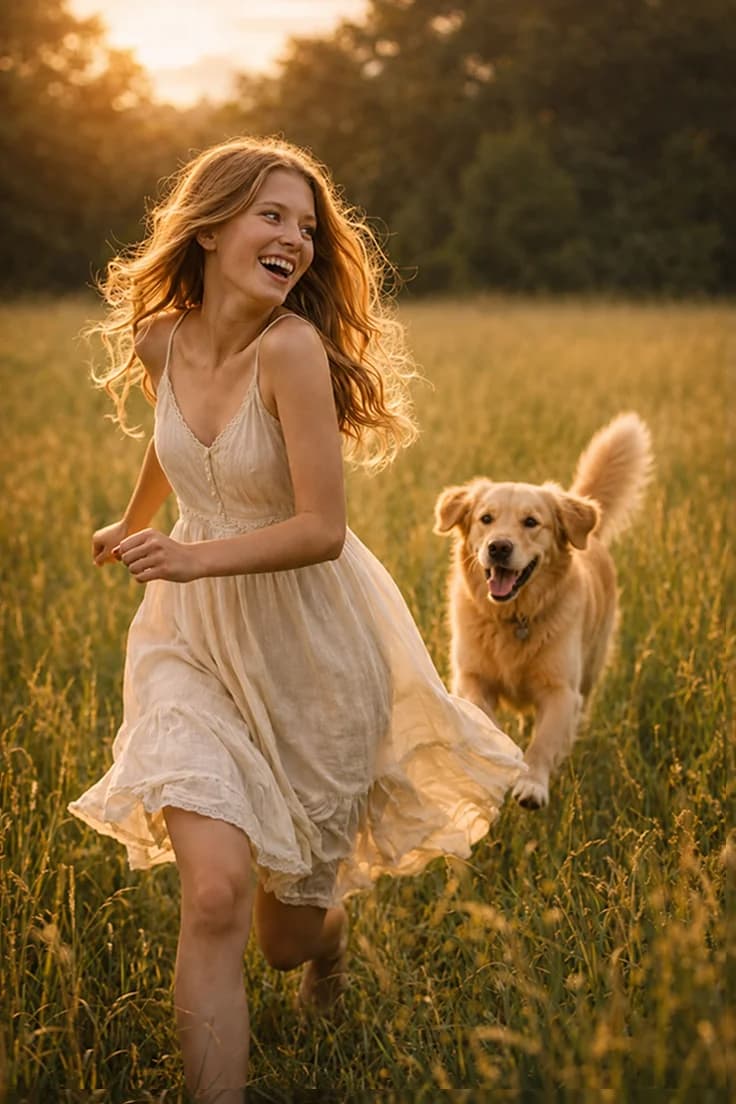
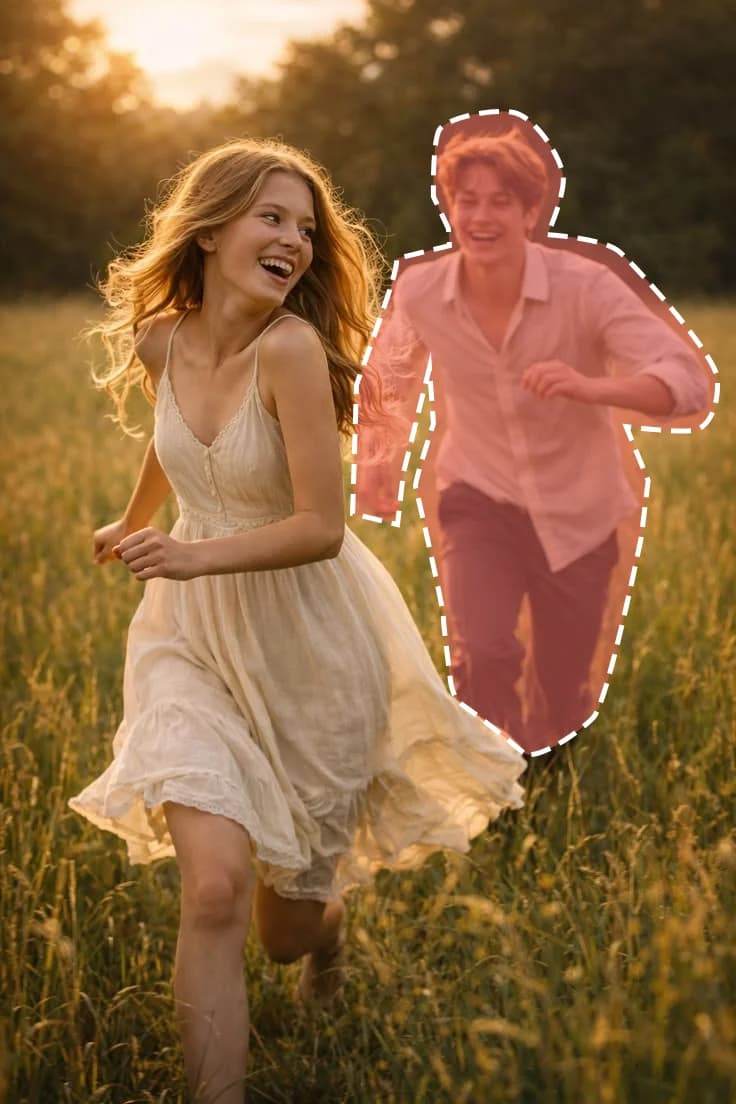
What you get
Paint what to swap
Brush over the part to replace, erase the edges and zoom in for fine details.
Bring your own replacement
Add a photo of the new person, animal or object and Lumora fits it into the scene.
Matching light and perspective
The new subject takes on the light, shadows and angle of the original photo.
How to use Replace object
- 1
Add a photo
Drop, paste or pick a photo in Lumora Studio.
- 2
Adjust if you like
The defaults work well. Change options or add a short description.
- 3
Get the result
Compare before and after, then download or keep it in your library.
Replace object FAQ
What can I replace?
A person, an animal or an object. Pick the type before you run so the result fits better.
What works best?
Paint a little beyond the edges of what you replace and use a clear photo of the new subject.
More tools
 EnhanceSharpen & upscaleFrom 6 creditsLearn more
 Remove objectErase unwanted objectsFrom 7 creditsLearn more
 Add objectPlace an object into the photo or merge multiple images into oneFrom 8 creditsLearn more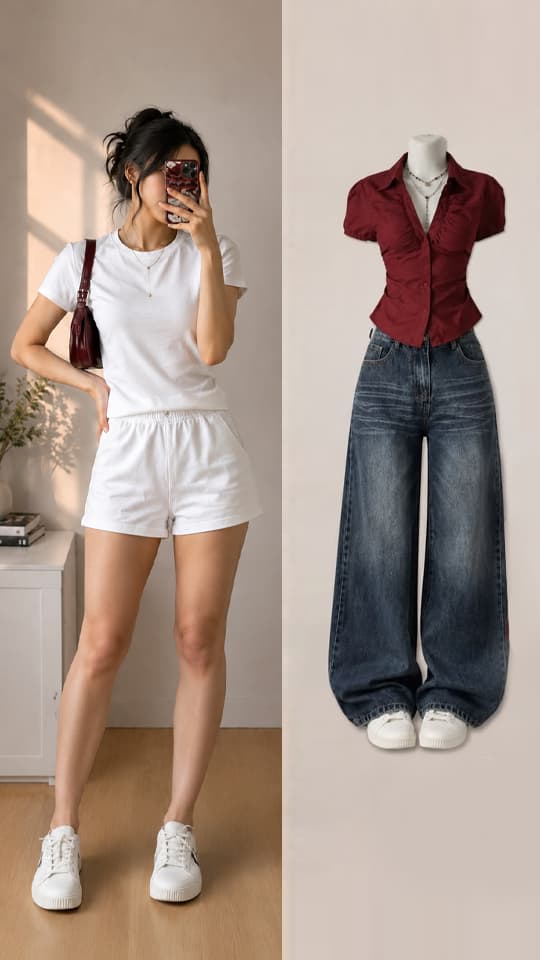
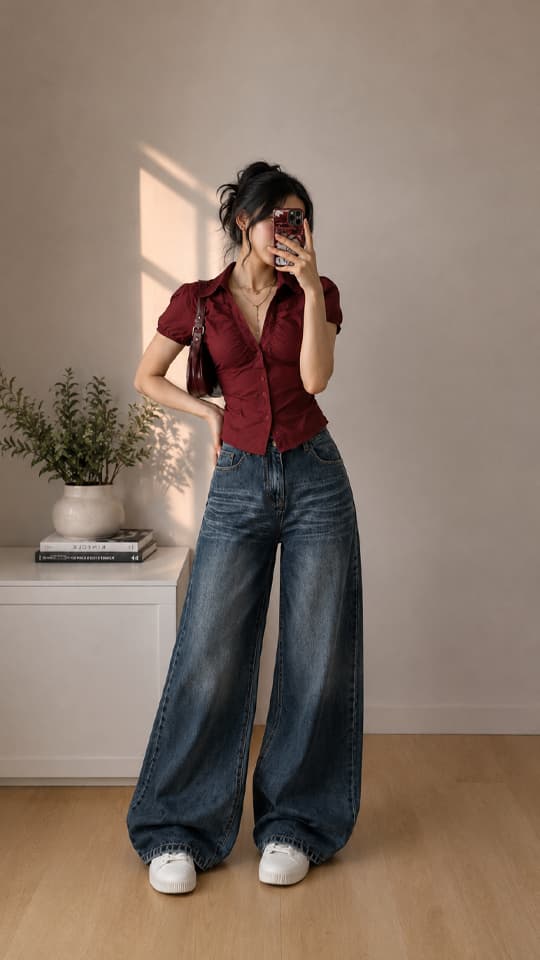 Virtual try-onTry clothes on a photoFrom 8 creditsLearn more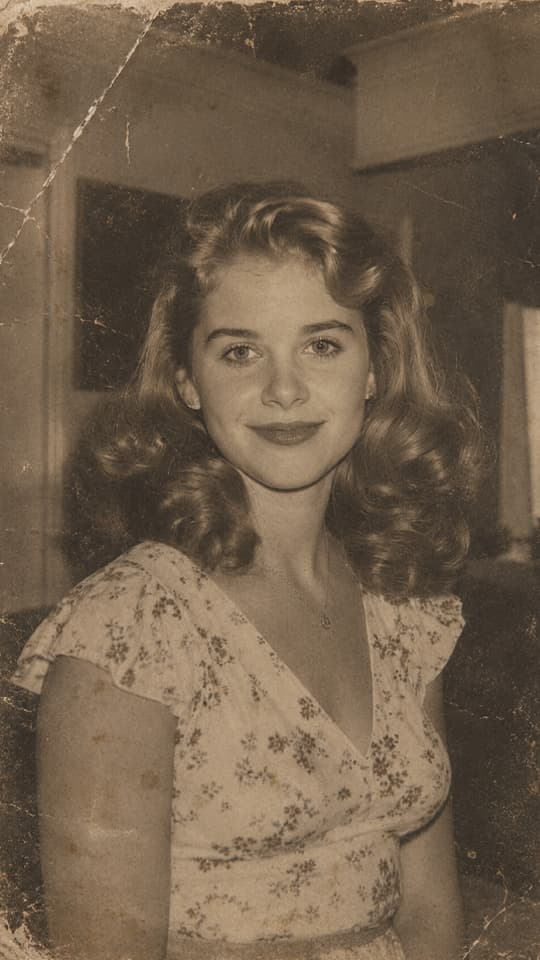
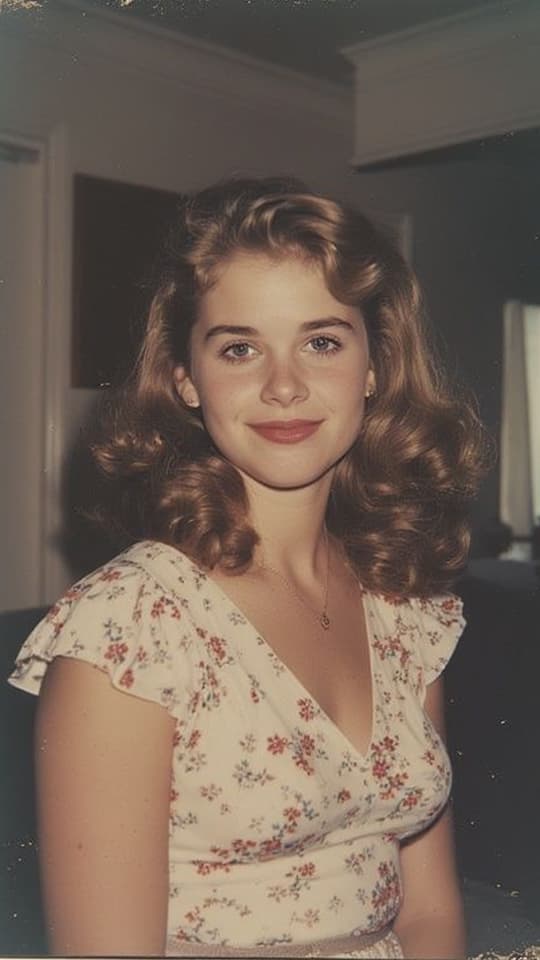 Restore imageRepair and restore damaged or old imagesFrom 6 creditsLearn more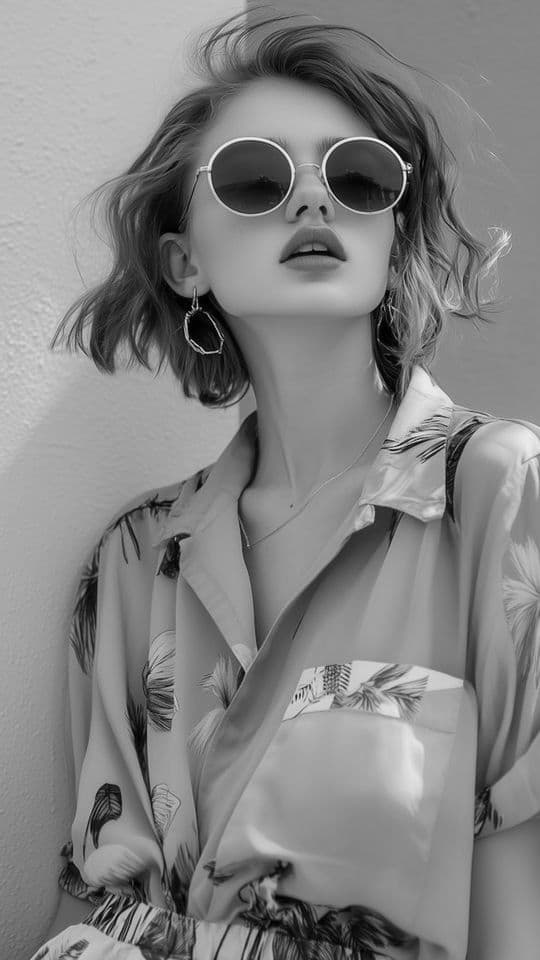
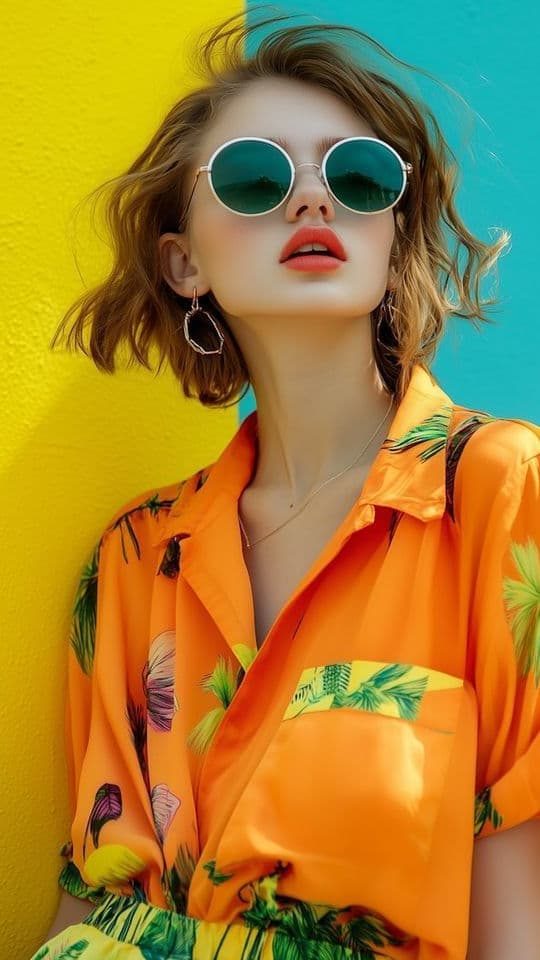 Colorize imageChange colors images or add color to black and white photosFrom 6 creditsLearn more
 Image to videoTurn an image into a short videoFrom 30 creditsLearn more
Your next favorite photo is one click away
Swap a person, an animal or an object in the photo for another one